
How to Speed Up an Old Laptop: Hardware Upgrades and Operating System Tuning
“Learn how to speed up an old laptop using SSD replacements, dual-channel RAM expansion, thermal repasting, and clean operating system tuning.”
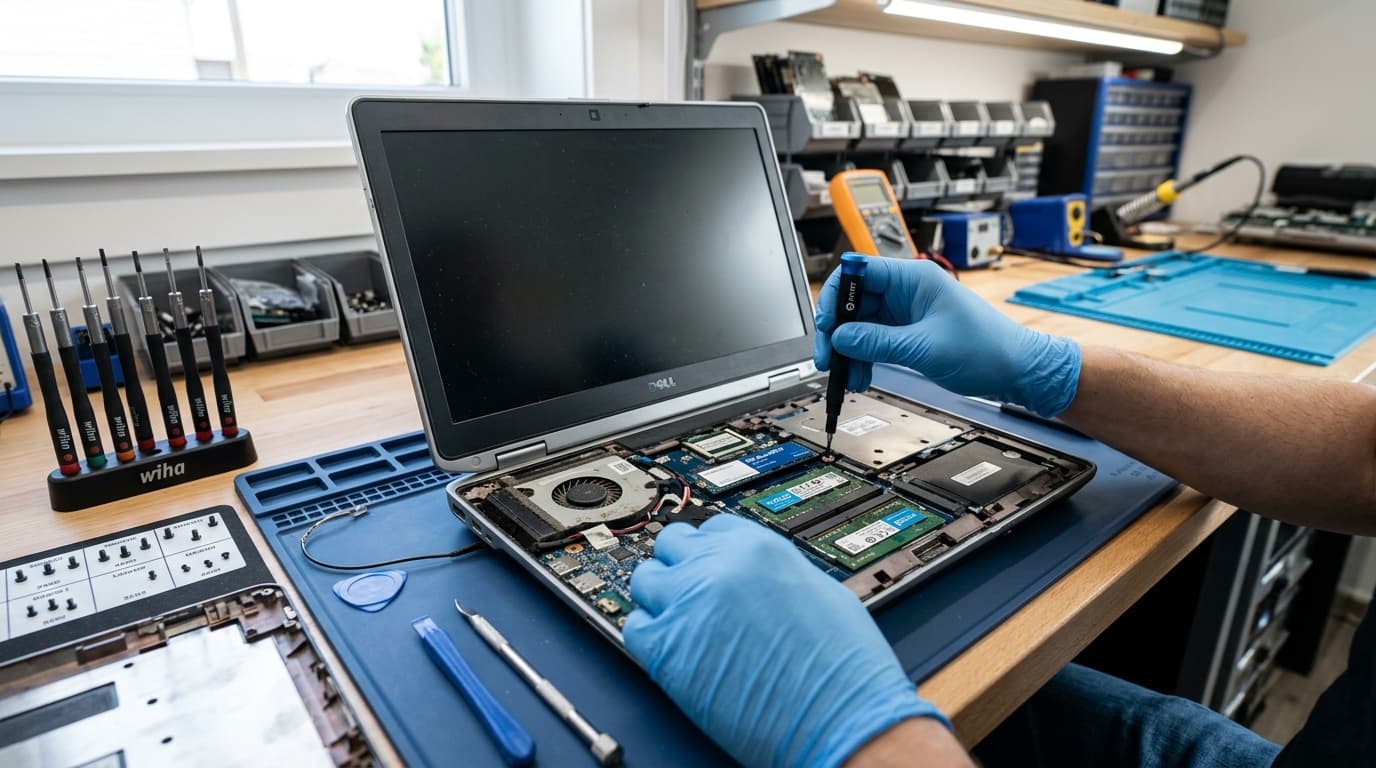
The Pragmatic Strategy of Extending Personal Computing Lifespans
In an era characterized by frequent hardware upgrade cycles and escalating electronic waste, learning how to speed up old laptop hardware represents both a financially astute decision and an environmentally responsible technological practice. Many legacy laptops manufactured over the past decade feature robust structural casings, excellent keyboards, and durable displays, yet they suffer from severe software lag, agonizing boot sequences, and sluggish application multitasking. While basic software troubleshooting is outlined in our foundational primer on how to fix slow laptop, achieving true computational rejuvenation requires a comprehensive approach addressing physical hardware bottlenecks, thermodynamic constraints, and operating system overhead.
Understanding the interplay between physical drive interfaces, memory bandwidth saturation, and thermal throttling allows users to restore legacy laptops to modern responsiveness at a fraction of the cost of acquiring a new mobile workstation. Whether preparing a legacy machine for office productivity, student coursework, or secondary digital workstation duties, systematic optimization unlocks surprising longevity from aging silicon.
Replacing Mechanical Storage with High-Speed Solid-State Drives
The single most consequential physical modification any user can execute on an aging portable computer is replacing its legacy mechanical hard disk drive with a high-speed solid-state drive. Traditional spinning platter drives rely on physical read-write heads that physically sweep across magnetic platters, resulting in access latencies measured in milliseconds rather than nanoseconds. This physical delay creates massive data bottlenecks that paralyze operating system startup routines and cause prolonged freezes whenever applications access virtual memory paging files.
Upgrading to a solid-state drive eliminates mechanical latency entirely, utilizing high-speed flash memory controllers to deliver read and write speeds up to twenty times faster than legacy platters. Even older laptops restricted to SATA interfaces experience a profound transformation upon solid-state installation, with operating system boot durations shrinking from minutes to mere seconds and complex applications launching almost instantaneously.
Expanding Random-Access Memory and Enabling Dual-Channel Bandwidth
Memory exhaustion represents the second major bottleneck paralyzing older mobile computers. Modern web browsers, intensive media streaming services, and collaborative productivity applications consume substantial random-access memory reserves. When system memory becomes fully saturated, the operating system is forced to swap active application data onto the storage drive, resulting in severe interface stutter and unresponsive multitasking.
Upgrading system memory from restrictive baseline allocations to sixteen or thirty-two gigabytes provides the operating system with adequate breathing room to maintain dozens of browser tabs and background applications concurrently. Furthermore, configuring memory modules in identical pairs enables dual-channel memory architecture, effectively doubling data transfer bandwidth between the central processor and system memory, which significantly accelerates integrated graphics performance.
Thermodynamic Restoration: Dust Elimination and Thermal Paste Renewal
Over years of continuous operation, laptop cooling systems inevitably accumulate dense layers of fibrous dust and debris across cooling fans and exhaust heatsink fins. Concurrently, factory-applied thermal interface material between the central processing unit and copper heat pipes dries out and hardens, losing its thermal conductivity. As heat accumulates inside the chassis, modern processors automatically engage thermal throttling, aggressively slashing clock frequencies to prevent catastrophic silicon meltdown.
Carefully disassembling the laptop lower chassis to clear debris with compressed air and applying high-performance non-conductive thermal paste restores optimal heat dissipation dynamics. Operating at significantly lower temperatures allows the processor to maintain peak boost clock frequencies during demanding tasks without thermal throttling, while simultaneously reducing intrusive cooling fan noise and extending internal component life.
Operating System Modernization and Peripheral Synergy
Software optimization serves as the vital final step in revitalizing aging portable hardware. Conducting a pristine, clean operating system installation eradicates accumulated registry clutter, redundant manufacturer bloatware, and rogue background telemetry daemons that silently siphon processor cycles. Users maintaining modern technology suites can seamlessly integrate their revitalized laptops with cutting-edge wearable companions, as explored in our comprehensive guide detailing what is the latest apple watch to synchronize appointments, notifications, and productivity telemetry across personal devices.
By pairing high-speed solid-state storage, expanded dual-channel memory, restored thermodynamic cooling, and a lean operating system environment, users can successfully transform aging portable computers into swift, reliable, and capable productivity workstations capable of handling modern digital workloads with absolute confidence.

Julian Vance-Moreau
Executive Editor-at-Large covering central bank bullion, high-horology, and sovereign wealth portfolios across Zurich, London, and Dubai.
Related Intelligence in Tech & Innovation
View Category →
The Evolution of Smart Phones: Flagship Innovation and Buying Intelligence
Explore the defining breakthroughs in modern smart phones, from generative AI silicon and periscope optical zoom systems to foldable engineering and battery endurance.
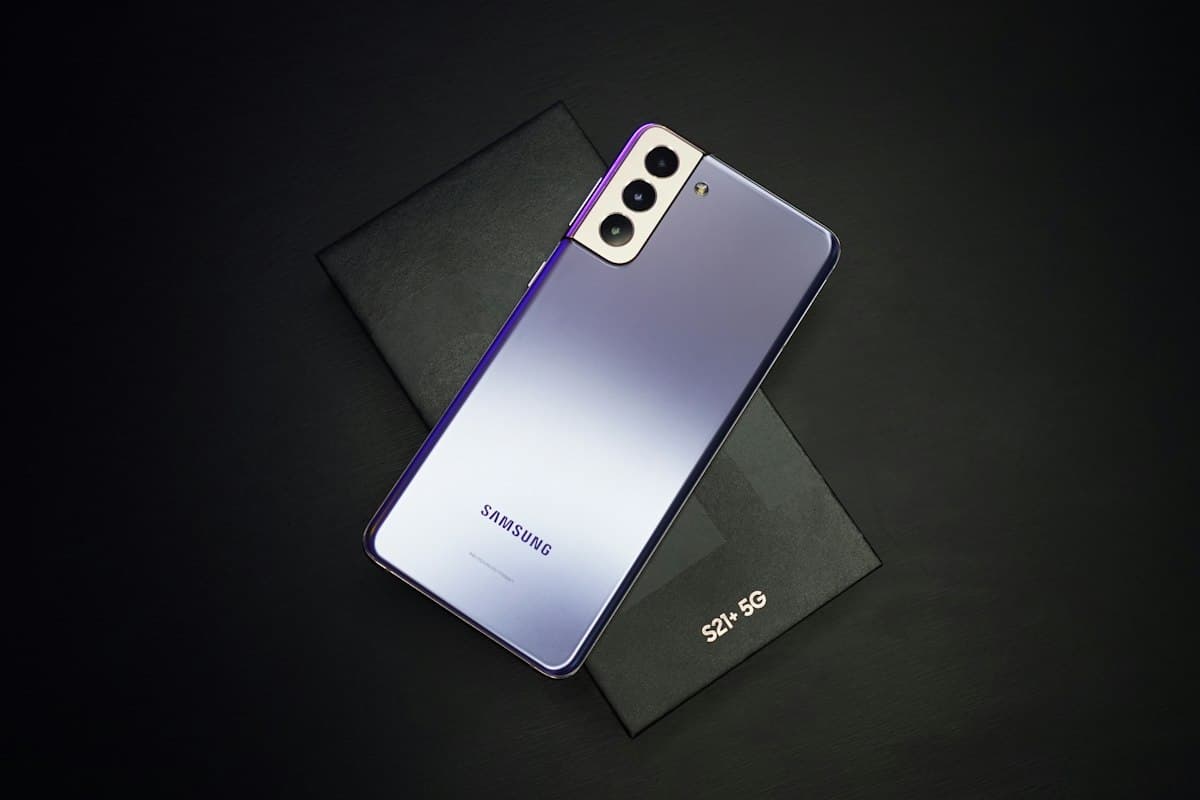
Samsung Galaxy A56 5G: Mid-Range Flagship Specs, Camera, and Value Analysis
Explore Samsung Galaxy A56 5G specifications, 4nm processor efficiency, OIS camera performance, AMOLED display, and software support.

Character AI Alternatives: The Best Free Conversational AI Platforms
Discover the premier character ai alternatives offering unrestricted creative roleplay, persistent memory windows, and private open-weight models.