
How to Fix a Slow Laptop: Ultimate Troubleshooting and Performance Guide
“Learn how to fix a slow laptop with expert diagnostic steps covering startup processes, SSD health, thermal cooling, and RAM optimization.”
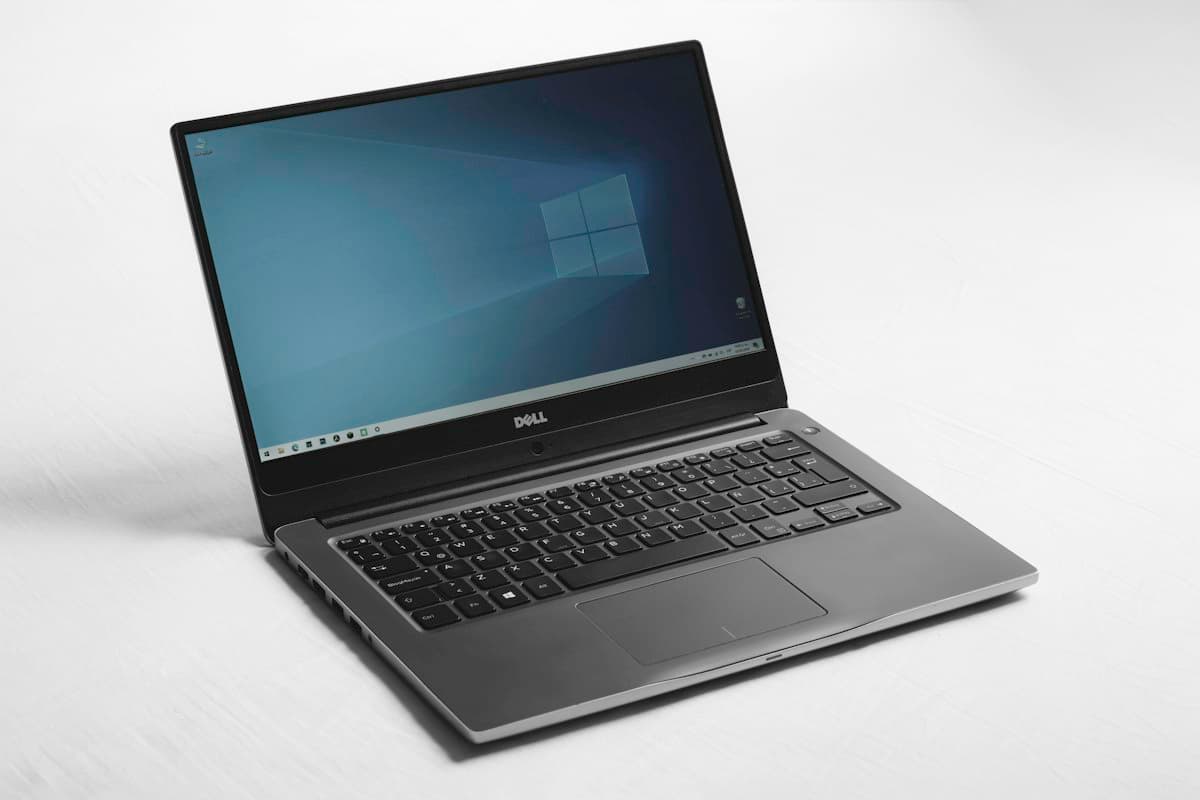
Portable personal computers represent the indispensable foundation of modern enterprise productivity, creative craft, and intellectual research. However, progressive computational degradation remains an omnipresent grievance for professionals worldwide, transforming responsive workstations into frustrating, sluggish machines. Knowing how to fix slow laptop performance requires moving past superficial temporary gimmicks and diagnosing underlying hardware bottlenecks, operating system bloatware, thermal constraints, and non-volatile storage fragmentation.
Diagnosing Resource Contention and Persistent Startup Payloads
The most pervasive contributor to sluggish laptop responsiveness stems from silent background processes monopolizing system memory and compute cycles. Over months of routine usage, newly installed applications routinely register persistent background helper agents, automatic update daemons, and speculative telemetries that launch silently upon machine initialization. As available random access memory dwindles, operating systems aggressively resort to virtual memory paging on local drives, triggering severe latency spikes during routine workflow multitasking.
Remediating this computational drain begins with a surgical audit of startup registries and scheduled background tasks. Users should systematically disable superfluous third-party cloud syncers, utility trays, and redundant updater services, restricting startup privileges exclusively to core hardware drivers and indispensable security layers. Trimming persistent background payloads immediately restores significant volatile memory headroom, allowing core applications to execute operations directly within high-speed silicon rather than sluggish swap files.
Non-Volatile Storage Health: Drive Capacity and Cache Degradation
Solid-state drive architectures fundamentally transformed consumer computing speeds, yet their sustained performance hinges on adequate unallocated NAND flash headroom. When local drives surpass eighty-five percent volumetric capacity, the drive controller struggles to execute garbage collection and wear leveling efficiently, resulting in severe write performance degradation and delayed file access times. Temporary application caches, abandoned setup installers, and cumulative operating system update backups continually erode this vital operational cushion.
Restoring storage throughput requires executing low-level disk cleanup protocols that safely eradicate legacy operating system versions, transient crash dumps, and browser cache bloat. Furthermore, confirming that TRIM commands are scheduled and actively operational ensures that deleted data sectors are purged from NAND cells rather than awaiting lengthy erase cycles during active file writes. Maintaining at least twenty percent free space preserves the peak input-output velocities that modern operating environments require.
Thermal Dynamics: Fan Cleansing and Heat Sink Dissipation
Modern mobile processors utilize aggressive dynamic boost algorithms that automatically scale clock frequencies upward until hitting thermal ceilings. When internal cooling chambers become congested with microscopic environmental particulate matter, cooling dissipation collapses, forcing the system management controller to initiate severe thermal throttling to prevent irreversible silicon damage. A laptop running intensely hot with whining fans while delivering sluggish responsiveness is almost certainly suffocating under thermal exhaustion.
Conducting routine physical maintenance by safely clearing cooling vents, fan blades, and finned copper heat sinks with compressed air restores unobstructed laminar airflow. For machines that have operated across several intense years, refreshing aged, dried thermal paste between the bare silicon dies and copper cold plates can reduce core temperatures by double digits. Lower operating temperatures allow processors to sustain peak boost clocks during sustained computational compilation, video rendering, and intensive mathematical simulations.
Operating System Integrity and Cryptographic Security Audits
Beyond benign software bloat, covert malicious scripts, ad-injecting browser extensions, and unauthorized cryptocurrency miners can commandeer processing threads without generating conspicuous desktop windows. These parasitic entities disguise themselves under generic system process labels, consuming significant power while driving CPU utilization to sustained maximums even when the machine sits idle.
Executing rigorous offline scans utilizing reputable, signature-updated security tools eliminates covert malicious payloads that evade basic consumer checks. Simultaneously, auditing installed web browser extensions and purging suspicious add-ons prevents rogue scripts from compromising memory performance during web navigation. Keeping operating system patches and platform security definitions updated seals known memory-leak vulnerabilities and microcode inefficiencies.
Strategic Hardware Upgrades and Clean Installation Sovereignty
When thorough software maintenance fails to achieve desired responsiveness on mature hardware, targeted physical upgrades provide extraordinary economic value compared to premature laptop replacement. Upgrading traditional mechanical drives to high-speed NVMe or SATA solid-state units represents the single most dramatic speed enhancement possible, instantaneously reducing boot sequences from minutes to mere seconds. Similarly, increasing system memory to dual-channel configurations removes memory pressure during intensive enterprise workflows.
Finally, when an operating system has accumulated years of registry conflicts and fragmented configuration dependencies, performing a clean operating system reinstallation delivers an immaculate clean slate. By purging cumulative legacy decay, a clean installation re-establishes pristine factory responsiveness, proving that methodical troubleshooting and disciplined system hygiene can easily restore aged portable computing hardware to peak operational vitality.

Julian Vance-Moreau
Executive Editor-at-Large covering central bank bullion, high-horology, and sovereign wealth portfolios across Zurich, London, and Dubai.
Related Intelligence in Tech & Innovation
View Category →
The Evolution of Smart Phones: Flagship Innovation and Buying Intelligence
Explore the defining breakthroughs in modern smart phones, from generative AI silicon and periscope optical zoom systems to foldable engineering and battery endurance.

Character AI Alternatives: The Best Free Conversational AI Platforms
Discover the premier character ai alternatives offering unrestricted creative roleplay, persistent memory windows, and private open-weight models.

Samsung Galaxy Fold 7: Foldable Innovation, Hardware Upgrades, and Design Evolution
Explore Samsung Galaxy Fold 7 foldable innovation, zero-gap hinge mechanics, creaseless display technology, and executive multitasking.